Back to Home
AR Experiences

Augmented Reality Learning Modes

Marker-based, WebAR, and markerless experiences — all designed for clear, interactive learning on phones and tablets.

Marker-Based WebAR

Heart Anatomy

No app install required. Scan a marker in your browser and explore an interactive 3D heart with labels, animation, and live BPM.

Heart Anatomy
Works in Browser
Marker Tracking

How to launch the experience

WebAR preview
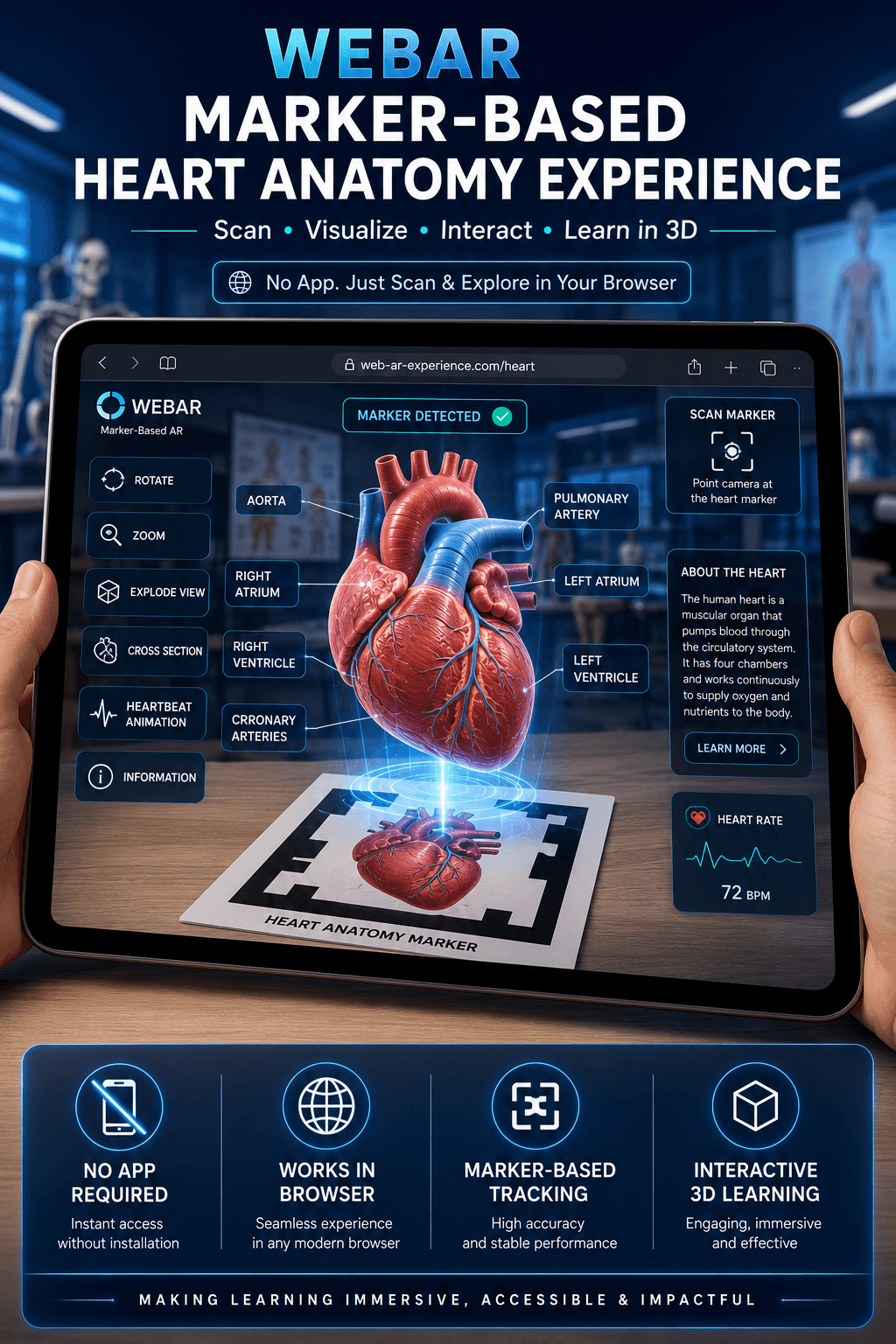
WebAR marker-based heart anatomy experience in the browser
Step 01Scan QR code
QR code to launch heart anatomy WebAR

Point your phone camera at the code to open the WebAR experience — no app install needed.

Step 02AR marker image
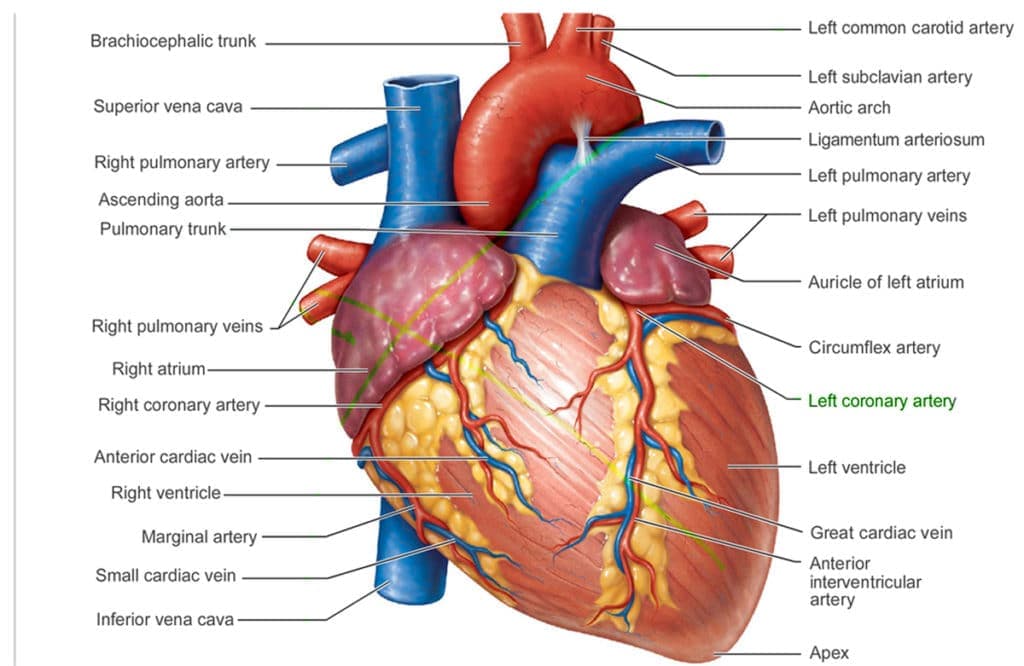
Heart AR marker for WebAR tracking

Print this marker or display it on a second screen, then aim your camera at it to anchor the 3D heart.

Heart Anatomy

Rotate, zoom, explode view, and cross-section

Works in Browser

Instant access on any modern device

Marker Tracking

Stable, high-accuracy tracking
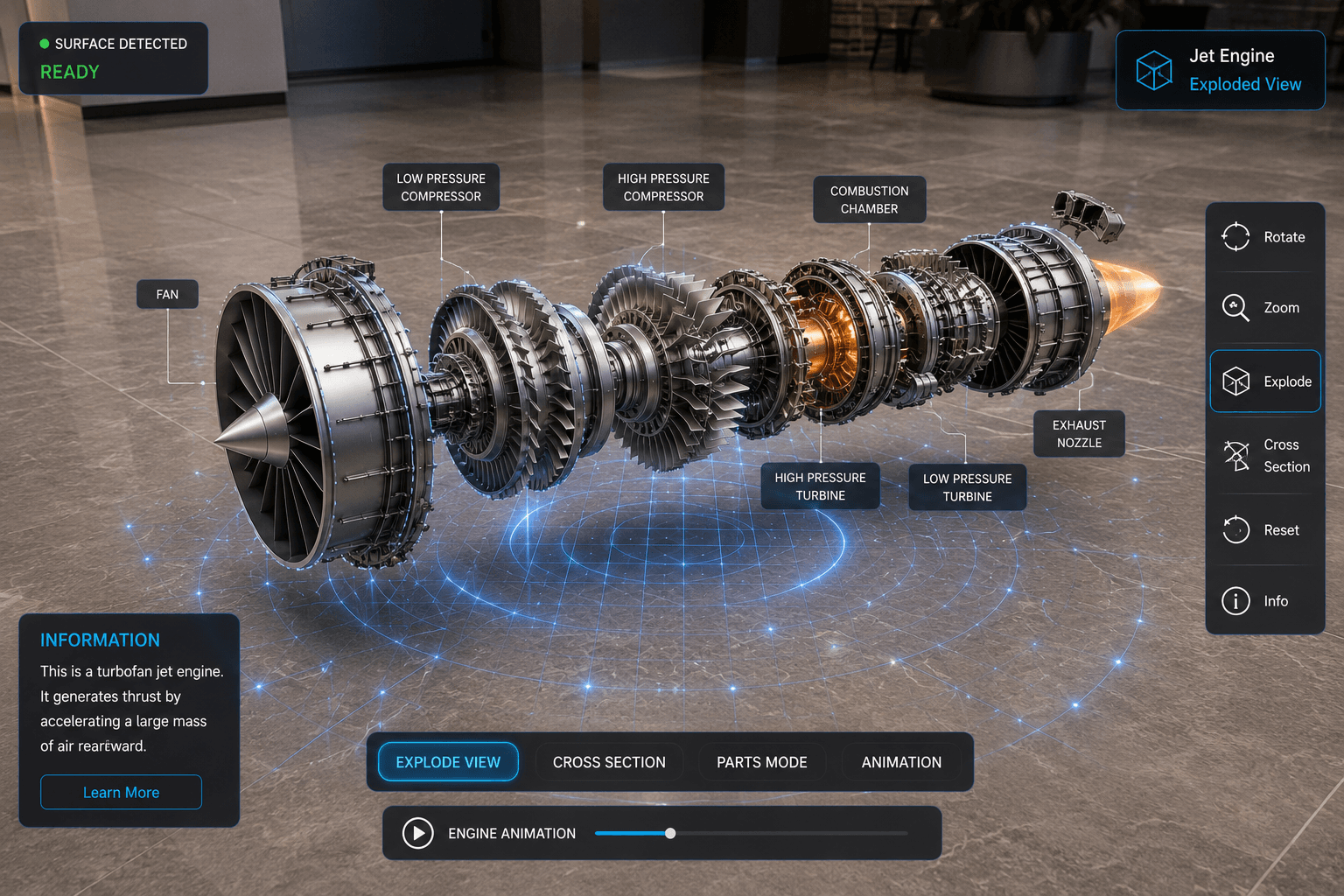
Markerless AR — Jet Engine

Place engineering models on any flat surface. Explore jet engine components with real-world scale and surface detection.

Markerless AR jet engine placed on a floor surface

Engine Components

Fan, compressor, combustor, turbine, exhaust

Any Surface

Floor, table, or wall placement

QR Launch

Scan to experience WebAR instantly